
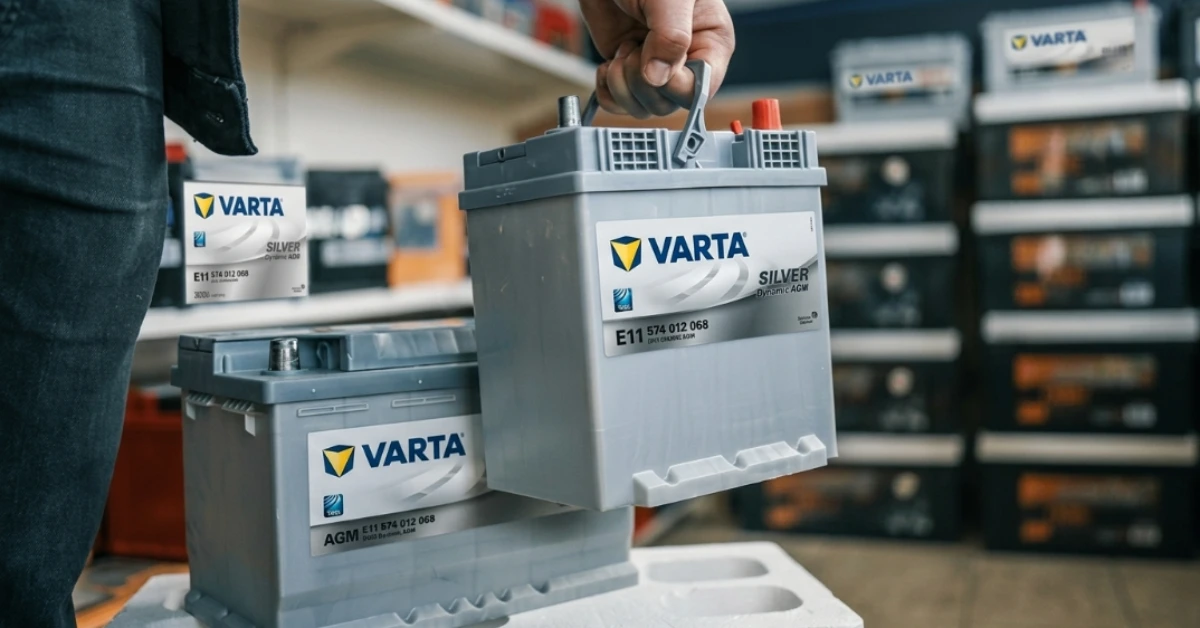
A dead car battery is one of those problems that always shows up at the wrong time. You turn the key, nothing happens, and suddenly your whole day falls apart. The right battery fix starts before you even walk into a shop; it starts with knowing exactly what your car needs.
To find the right battery, you first collect your vehicle details like the brand, model, year, and engine size. Then you enter those details into the search tool on the Varta website. The tool shows you a list of matching batteries with full specs.
You review the options, pick the best one for your needs, and place your order. Using a trusted step-by-step guide to finding the exact right battery for your vehicle through the Varta battery finder saves you time, money, and unnecessary stress.
What Is the Varta Battery Finder?
The Varta battery finder is a free online search tool available on the official Varta website. It helps car owners and mechanics find the perfect car battery without needing to read through technical manuals or call a specialist. You simply enter your vehicle information, and the tool does the rest.
It filters through hundreds of battery models and shows only the ones that match your car. The tool covers a wide range of vehicles, including sedans, SUVs, pickup trucks, vans, and motorcycles. It is built for everyday users, so the interface is clean and simple to follow.
Step-by-Step Guide to Using the Varta Battery Finder
Here are the quick and easy steps to find the right battery for your car with the Varta Battery Finder search tool:
Step 1: Collect Your Vehicle Information First
The first thing you need to do is gather your car details before opening the tool. You will need your car’s brand name, model, manufacturing year, and engine size. You can find most of this on your car registration card or on a sticker inside the driver’s door frame.
Some cars also have this information under the hood near the engine. Having the right details ready before you start means fewer mistakes when filling in the search fields. Getting this step right is the most important part of the whole process.
Step 2: Open the Varta Website and Find the Search Tool
Go to the official Varta website using any browser on your phone or computer. Look for the battery search section; it is usually on the homepage or listed under the Products menu. The page is easy to load and works well on mobile, too.
You will see a series of dropdown menus arranged in order. The tool guides you through each selection one at a time. You cannot jump ahead, which is actually helpful because it keeps you from skipping important details by mistake.
Step 3: Enter Your Vehicle Details in the Correct Order
Start by selecting your vehicle type, car, SUV, truck, or motorcycle. Then choose the brand, followed by the model name, the year it was made, and the engine type. Each selection updates the next dropdown automatically. This step-by-step flow makes sure that every result you see at the end is actually compatible with your specific vehicle.
Do not rush through this part. If you select the wrong engine size or the wrong year, the results will not match your car, and you may end up ordering the wrong battery.
Step 4: Review Your Battery Results Carefully
Once you complete all the selections, the tool displays a list of Varta batteries that fit your vehicle. Each result shows key details like battery capacity in amp-hours (Ah), cold cranking amps (CCA), physical dimensions, and the battery series name.
Take a moment to read through each option before making a decision. Some cars have more than one compatible battery, which gives you the freedom to choose based on your budget or driving habits. The results page makes it easy to compare options side by side.
Understanding the Varta Battery Series Options
Black Dynamic (For Basic Daily Use)
The Black Dynamic series is the entry-level option in the Varta range. It works well for older cars with fewer electronics and simple electrical systems.
If you drive short distances on a regular basis and your car does not have advanced features like start-stop technology, this series covers your basic needs at a lower price point.
Blue Dynamic (For Modern Cars With More Features)
The Blue Dynamic series sits in the middle of the Varta range. It suits newer cars that have more electronic features like power windows, touchscreen systems, parking sensors, and multiple USB ports.
This series handles higher energy demand better than the Black Dynamic and still comes at a reasonable price. It is a popular choice for everyday family cars and city vehicles.
Silver Dynamic (For High-Performance and Feature-Heavy Vehicles)
The Silver Dynamic series is the most advanced option in the standard Varta lineup. It is built for cars with start-stop systems, energy recovery technology, and heavy electrical loads. SUVs, luxury sedans, and newer European cars often need this level of battery performance.
If the Varta finder recommends this series for your vehicle, it means your car has higher power demands that a basic battery cannot handle reliably.
Common Mistakes People Make When Using the Battery Finder
Entering the Wrong Engine Size
One of the most common errors is selecting the wrong engine size from the dropdown menu. Many car models come in multiple engine options, for example, a 1.6L and a 2.0L version of the same model.
These two versions may need different batteries. Always double-check your engine size on your registration document before entering it into the tool.
Ignoring the Battery Series Recommendation
Some people see the series recommendation and choose a cheaper option without checking if it actually suits their car. If your vehicle has a start-stop system and the finder recommends Silver Dynamic, picking Black Dynamic to save money can lead to frequent battery failure. The tool recommends for a reason; it is based on your car’s actual power needs.
Using an Old or Unofficial Version of the Tool
Always use the official Varta website to run your search. Third-party websites sometimes host outdated versions of the Finder that do not include newer vehicle models.
This can lead to incorrect results. Stick to the official source to make sure the data is current and accurate.
What to Do After the Finder Shows Your Results?
Once you have your results, write down or screenshot the battery model number and series. Check the physical dimensions to make sure the battery fits your car’s tray. Also note the terminal positions, left or right, because putting a battery with reversed terminals in your car can cause connection problems.
If you are not sure about the installation, it is always better to get it fitted by a professional. A wrong installation can damage your car’s electrical system, even if the battery itself is the right one.
Conclusion
Getting the right battery for your car is a simple process when you follow the right steps. You start by collecting your vehicle details, then enter them carefully into the search tool. After that, you review the results and pick the battery series that matches your car’s power needs. Finally, confirm the size and terminal position before making a purchase.
The whole process takes just a few minutes and removes all the confusion from battery shopping. Following a clear, step-by-step guide to finding the exact right battery for your vehicle through the Varta battery finder means you get a product that works perfectly from day one.
Ready to buy your Varta battery? Visit Battery Zone UAE today to shop a full range of genuine Varta batteries. Battery Zone also offers professional battery replacement services, so you get the right battery installed the right way, fast, safe, and hassle-free.